
One-on-One Computer Training in Palm Beach Gardens
Patient, private computer and technology training for homeowners, seniors, beginners, remote workers, and small-business owners. Learn on your own device, at your own pace.
Learn Your Computer, Your Way
Palm Beach PC Services provides private, one-on-one computer training based on what you actually want to learn. This is not a large classroom course. It is personal help, focused on your questions, your devices, and the tasks you want to feel confident doing.
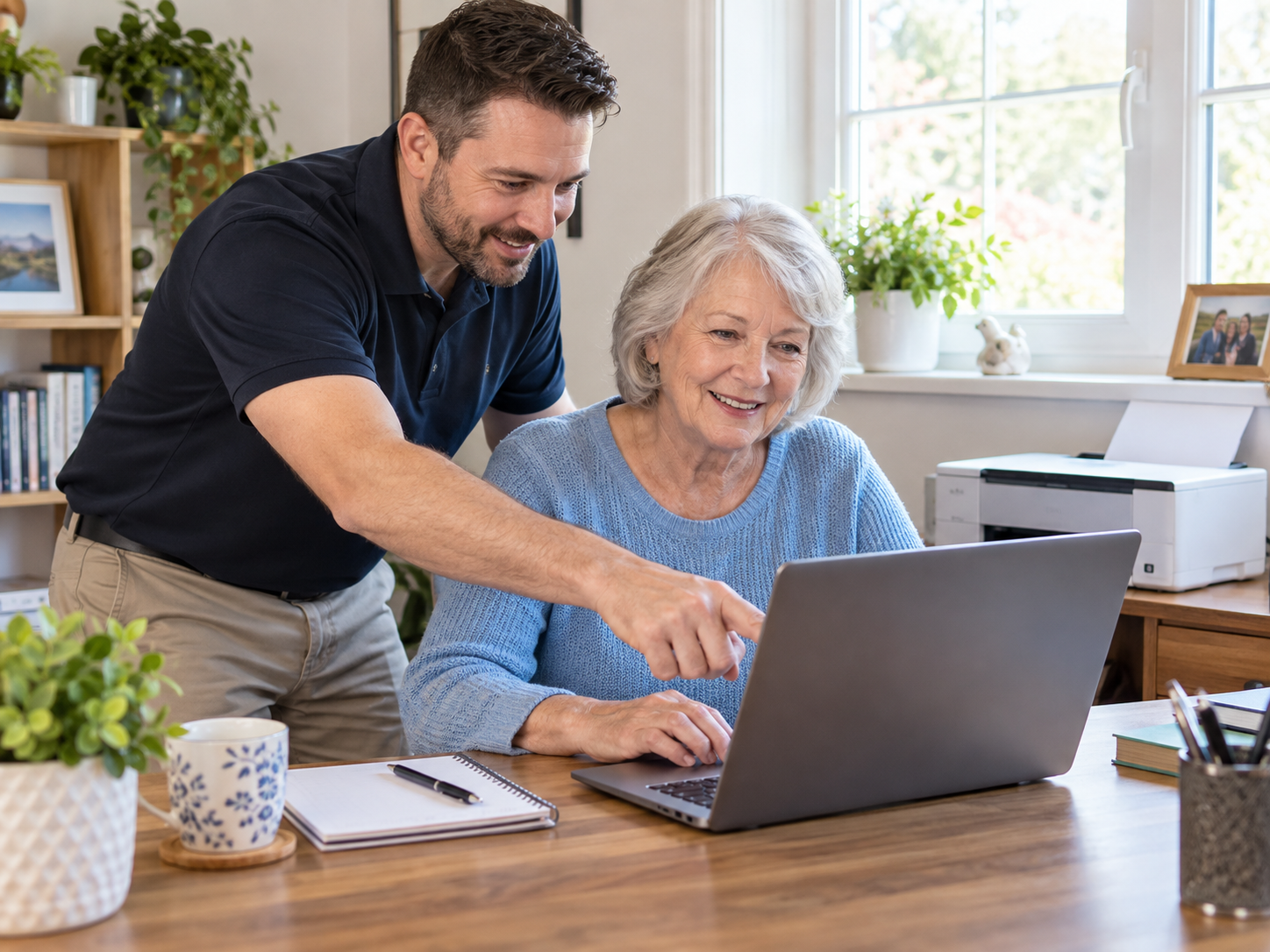
You learn on the computer, laptop, phone, or tablet you already use, and you move at your own pace. Many people do not need another manual or another video to watch on their own. They need someone who can sit with them, explain things clearly in plain English, answer their questions, and let them practice the steps themselves.
With more than 25 years of hands-on technology experience, we have helped people of every comfort level understand their computers, email, files, photos, and online safety. If you ever feel stuck or frustrated with your technology, patient, friendly help is available right here in Palm Beach Gardens.
Who This Service Is For
One-on-one computer training is helpful for anyone who wants to feel more comfortable with everyday technology.
What You Can Learn
Training is customized around what you want to learn. A single session does not need to cover everything on this list.
Don't see your topic on the list? Just ask. If it is something we can help with, we will build the session around it.
Bring Your Questions. Learn What You Actually Need.
You do not have to follow a preset curriculum. Every session is shaped around your real questions and the tasks you want to master.
- One person may want an entire session focused on organizing photos.
- Another may need help understanding Outlook.
- Another may want to learn Windows 11 from the ground up.
- Another may want help recognizing scams and fake pop-ups.
- Another may need help understanding how files, folders, OneDrive, or iCloud work.
The focus is always practical learning, not technical theory. By the end of a session, you should be able to repeat the steps on your own.
Training After a New Computer
Training is especially useful right after you purchase a new PC or Mac. A new computer can feel unfamiliar even when it works perfectly, and a short session can help you feel at home again.
We commonly cover:
- Understanding the new desktop and settings
- Finding files and where things were saved
- Email and browser setup
- Printer setup and cloud storage
- Passwords and basic security settings
- Learning Windows 11 or macOS
- Understanding where your transferred files were placed
If you are moving from an older computer, our guide on safely moving your files, photos, email, and settings to a new computer walks through what to transfer and how to prepare. We can also help with the move itself through our Computer Repair and setup service.
Seniors & Beginners
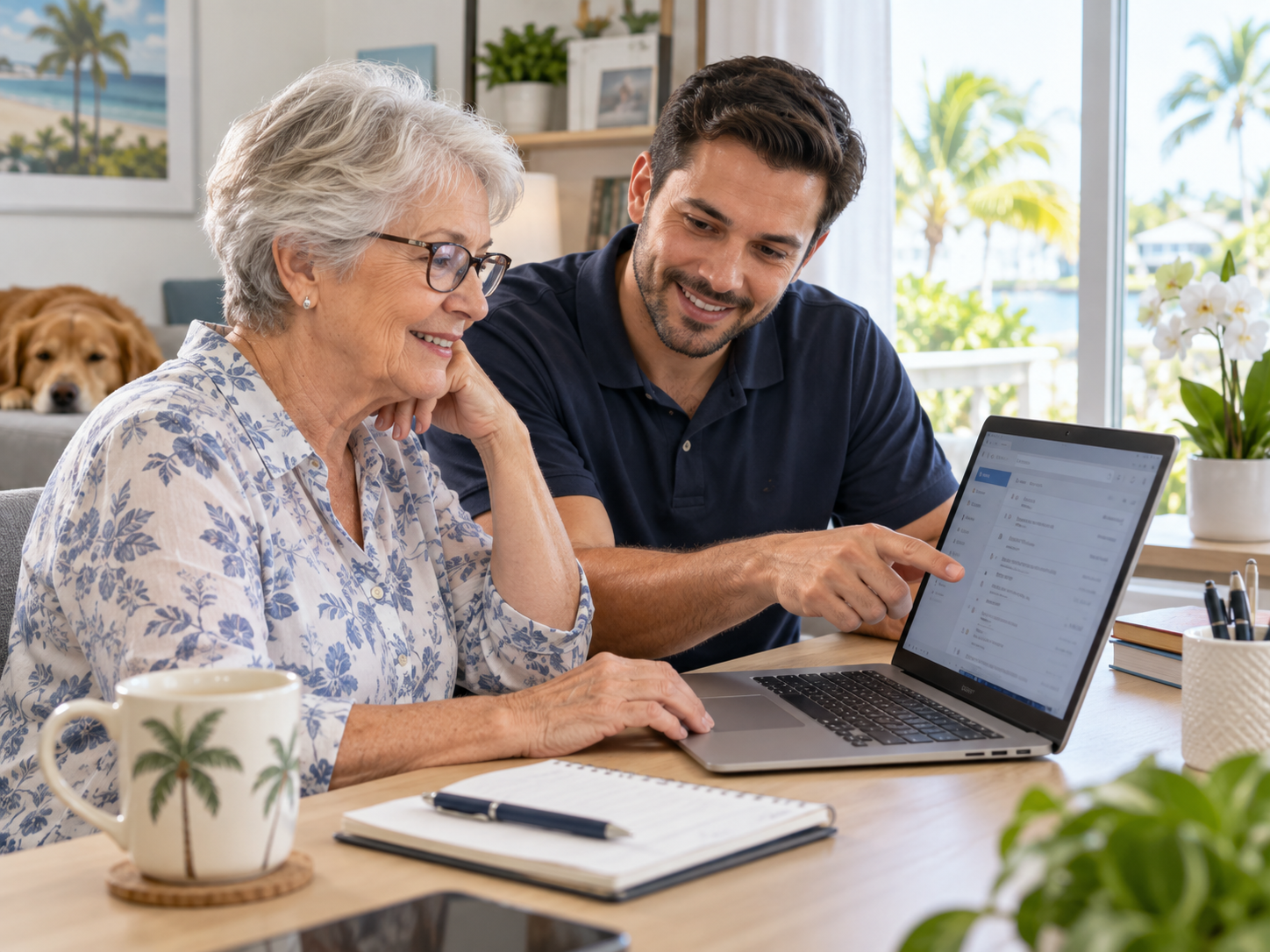
We work with many seniors and first-time computer users, and we do so with respect. People of any age can learn to use technology confidently when it is explained clearly and without being rushed.
With our beginner and senior sessions, you can expect:
- Learning without being rushed
- Asking questions freely, as many times as you need
- Repeating steps when needed
- Practicing tasks yourself during the session
- Writing down useful steps if that helps you remember
- Learning only the technology that is relevant to you
For more on the kinds of everyday issues we help with, see our article on computer help for seniors in Palm Beach Gardens.
If you or a loved one needs hands-on computer repair and tech support rather than training, see our senior computer support service.
Home Computer Training
For home users, training often covers the everyday tasks that matter most:
- Email, photos, and printing
- Online accounts and passwords
- Windows and Mac basics
- Cloud storage and backups
- Video calls and online safety
Small-Business Computer Training
For small-business owners and their teams, training focuses on the tools the business relies on:
- Outlook and Microsoft 365
- OneDrive and file organization
- Printers and scanning
- Basic business software
- Secure everyday computer practices for employees
For broader technology support across your office, see our Business IT Support service.
Onsite and Remote Training
Onsite computer training is available in Palm Beach Gardens and the surrounding Palm Beach County communities we already serve, including Jupiter, North Palm Beach, Juno Beach, West Palm Beach, Palm Beach, Singer Island, Riviera Beach, Boca Raton, and Delray Beach. We come to your home or office and work with you on your own equipment.
Remote computer training is available when the subject can reasonably be taught over a screen-sharing session, so you can learn from anywhere in the country. Some topics are easier in person, so we are happy to help you decide which option fits your situation best. For software-only questions, our Remote Computer Support may also be useful.
Who This Service Is For
- Anyone who learns better with a patient person beside them than with a video or manual.
- People who want to feel confident doing everyday tasks on their own.
- Families who want a trusted local teacher for a parent or relative.
What to Expect
Tell us what you want to learn
Share your questions and the device you use. No list is too small.
We focus the session around you
Each session is built around your actual questions and devices.
We explain each task in plain English
No jargon unless we explain it, and no rushing.
You practice the steps yourself
Hands-on practice helps the steps stick.
We review anything still unclear
We go over it again until you feel comfortable.
Proudly Serving Palm Beach Gardens & Beyond
Palm Beach PC Services is your trusted local technology expert based in Palm Beach Gardens. We proudly serve nearby communities including Jupiter, North Palm Beach, Juno Beach, Riviera Beach, Singer Island, Palm Beach, and West Palm Beach, as well as clients in Boca Raton and Delray Beach. When you contact us, you're working with a local technician who understands the needs of our community.
Frequently Asked Questions
Clear answers about one-on-one computer training in Palm Beach Gardens.
Do you provide computer training for seniors in Palm Beach Gardens?
Yes. We offer patient, one-on-one computer training for seniors in Palm Beach Gardens and nearby areas. Sessions move at your pace, you can ask as many questions as you like, and you practice each step yourself on the device you actually use. The goal is to help you feel more comfortable and independent with your technology.
Can you come to my home and teach me how to use my computer?
Yes. Onsite, in-home computer training is available in Palm Beach Gardens and the surrounding Palm Beach County communities we already serve. We work with you on your own computer, printer, phone, or tablet so the training applies directly to your everyday setup.
Can you teach me Windows 11 on my own laptop?
Absolutely. We can guide you through Windows 11 on your own laptop, including the desktop, settings, finding files, email, browsers, and anything else you want to understand. Learning on your own device is one of the best ways to remember the steps.
Do you provide Mac training?
Yes. We provide one-on-one Mac training, including macOS basics, finding files, email, iCloud, photos, backups, and switching from Windows to Mac. We can also help if you are moving from Mac to Windows.
Can you help me learn Outlook or Gmail?
Yes. We help with both Outlook and Gmail, including setting up accounts, sending and receiving email, organizing folders, attachments, signatures, and contacts. We focus on the parts you actually use.
Can you teach me how to organize my photos and files?
Yes. Organizing photos, documents, and downloads is one of the most common things people ask us to teach. We show you how to find files, move them into folders, name them clearly, and back them up so they are easy to find later.
Can you help me understand OneDrive, iCloud, or Google Drive?
Yes. We explain how cloud storage works in plain English and help you set up and use OneDrive, iCloud, or Google Drive. We cover where your files are actually saved, how syncing works, and how to access them from your phone or another computer.
Can you show me how to recognize computer scams and fake pop-ups?
Yes. We teach you how to spot common scams, fake virus warnings, phishing emails, and suspicious pop-ups, and what to do if you see one. This is one of the most useful things you can learn for staying safe online.
Do you provide computer training for small-business owners?
Yes. We help small-business owners and their employees with Outlook, Microsoft 365, OneDrive, file organization, printers, scanning, basic business software, and secure everyday computer practices. Training is focused on the tools your business actually uses.
Can computer training be done remotely?
Yes. When a topic can reasonably be taught remotely, we can conduct training over a screen-sharing session so you can learn from anywhere. Some topics are easier in person, so we can help you decide whether onsite or remote training is the better fit.
Do I need to follow a preset computer course?
No. There is no fixed curriculum. Each session is built around what you actually want to learn. You can spend an entire session on one topic, like organizing photos or understanding Outlook, or cover several smaller questions in one visit.
What should I bring or have ready for my training session?
Just the computer or device you normally use, along with any passwords you may need and a short list of questions or tasks you want help with. If you have a new computer, having it set up and connected to the internet is helpful. You are also welcome to take notes during the session.
Need Patient, One-on-One Help Learning Your Computer?
Call or text Palm Beach PC Services to discuss what you would like to learn and whether onsite or remote training is the better fit.
561-351-5858 · palmbeachpcservices.com
Tech Made Simple. Support Made Personal.