
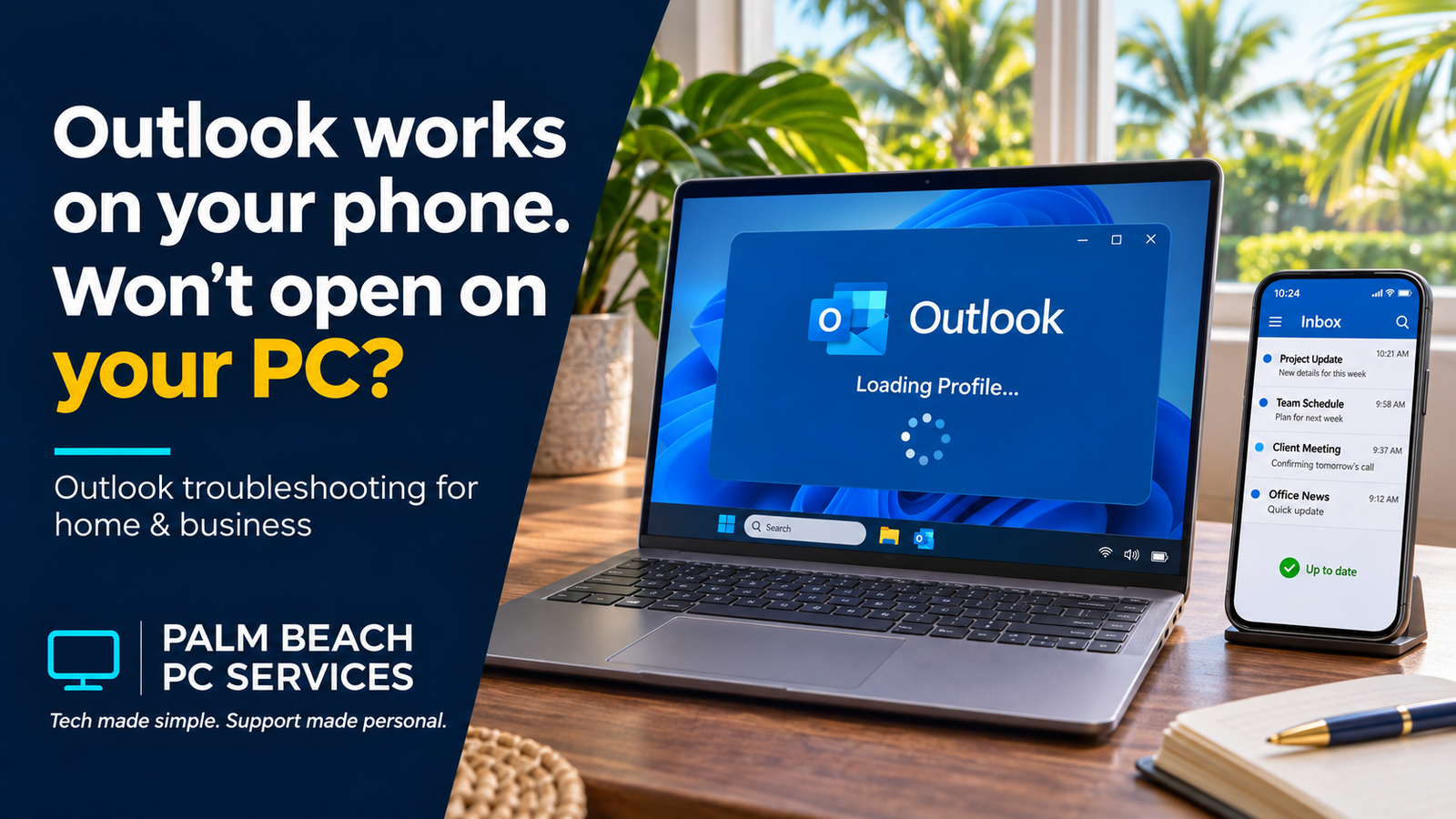
Practical Outlook troubleshooting for Palm Beach Gardens homes and small businesses.
Your phone shows your inbox. You sit down at the computer to answer a longer email, open an attachment, or send a customer an estimate. Outlook gets stuck on “Loading Profile,” flashes and disappears, or never opens at all.
Before you reinstall Office, check whether the trouble is with Outlook, the email account, or the connection.
Quick answer: If your phone and browser can send and receive new messages, but Outlook will not open on one Windows PC, start with the desktop app. If several devices fail together, check the shared account, network, and email provider first.
I’m Carlo Charles, Carlo The Computer Guy. I help home users and small businesses work through computer problems in plain language. This guide covers Outlook startup problems on Windows. Outlook for Mac uses different steps.
Prefer help with this? Call or text 561-351-5858 to discuss onsite or remote Outlook support.
First make sure email really works on the phone
Seeing yesterday’s messages does not tell you whether email works now. Send a short test message from your phone to another account you control. Reply from that account and confirm the reply arrives.
On the affected computer, open your provider’s official webmail page using a trusted bookmark or a typed address. Sign into the same mailbox and repeat the test. Check actual delivery in both directions.
Note whether the phone uses Wi-Fi or cellular data. Different connections can explain different results. Ask your IT contact before changing work VPN settings.
Check which Outlook you have
Check the Start menu for classic Outlook, new Outlook, or both. Make sure you are opening the app you normally use. If you are unsure which version you have, take a screenshot before changing anything.
The safe-mode command below is for classic Outlook on Windows. Use the separate steps for new Outlook. Neither set of instructions applies to Outlook for Mac.
Compare the results before choosing a repair
These results help you choose the next check. They are starting points, not final diagnoses.
| What you observe | What it suggests | Sensible next step |
|---|---|---|
| Phone and webmail exchange new messages; one PC will not open Outlook | The desktop app or its local setup needs checking | Identify the Outlook version and follow its app checks. |
| Phone shows old mail but no new test message arrives | Phone access has not been confirmed | Test fresh delivery and webmail before changing the PC. |
| Phone works on cellular; webmail and other sites fail on the PC | A local connection problem is possible | Check the PC’s connection and other devices on that network. |
| Several office computers fail around the same time | A shared account, network, or provider issue is possible | Ask the administrator to review service health and account access. |
| Classic Outlook opens in safe mode but not normally | An add-in may be involved | Record enabled add-ins and test them with IT help if needed. |
| Desktop app and webmail both reject sign-in | Account access needs investigation | Use the provider’s official recovery route or contact the account administrator. |
If Outlook opens but messages will not send or arrive, see our separate guide to Outlook sending and receiving problems.
Try these checks on the affected computer
Save your work and restart Windows
Save your work, then choose Restart from the Windows power menu. After Windows restarts, open the correct Outlook app once.
If Outlook appears but seems frozen, press Alt + Tab to look for a hidden confirmation window. If you just moved many messages, allow time for that task to finish. Microsoft includes both checks in its classic Outlook troubleshooting guidance.
Test classic Outlook in safe mode
For classic Outlook on Windows, close Outlook, press Windows + R, type outlook.exe /safe, and select OK. If asked to choose a profile, use the one you normally open.
If it opens in safe mode, an add-in may be involved. Microsoft’s Outlook startup guide explains how to record enabled add-ins and test them individually. Ask your IT contact to manage changes to business integrations.
If safe mode fails, save the exact error message. If Windows cannot find Outlook, confirm that classic Outlook is installed before trying more commands.
Use the matching guidance for new Outlook
For new Outlook on Windows, try this app restart:
- Save any work you can still access, then right-click the Windows Start button and select Task Manager.
- Find Microsoft Outlook and select End task. If both Outlook versions are installed, check that you selected the correct app.
- Close Task Manager and reopen new Outlook from the Start menu.
- If it opens, test sending and receiving a fresh message.
Microsoft documents this restart procedure in its new Outlook troubleshooting guide.
If the app still fails, note any recent Windows or Microsoft 365 updates and the exact error. Before resetting or reinstalling Outlook, confirm that you can sign into the account and review any unsent drafts or locally stored information.
Protect older email before rebuilding a profile
Your phone may not show older mail stored only on the PC. Before changing an Outlook profile, check where those messages live.
A .pst file can hold local archives and other Outlook items. Some accounts use an .ost file as a synchronized copy of server data. Microsoft’s Outlook data file guide explains the difference.
Before removing an account or profile, identify local archives, check important folders against webmail, and make an appropriate backup. An OST file is not a portable backup of all your email.
If you cannot identify the files, pause and get help. A technician can assess whether to test a separate profile while retaining the original setup.
When several office computers stop working together
In a recent small-office support case I handled, several computers using the same mailbox had connection trouble. Browser email was affected too, and the Microsoft 365 dashboard showed service incidents. Checking the shared service came before changing every workstation.
For Microsoft 365 business email, an authorized administrator can check Health > Service health in the admin center. Microsoft’s service health instructions explain how. For other providers, use their support and status channels.
When you call for help, tell us when the problem began, which devices are affected, and whether fresh mail works anywhere. That helps us decide what to investigate first.
Keep essential work moving while the app is checked
If webmail passes the send-and-receive test, you may be able to handle essential messages there while Outlook is checked. Local archives and desktop integrations may still be unavailable.
If QuickBooks normally sends documents through Outlook, an alternative may be to save the document as a PDF and attach it through working webmail. Use your business’s approved process and confirm delivery before retrying from the desktop.
If webmail also fails, contact the account administrator or provider before changing passwords across your devices.
Outlook help in Palm Beach Gardens and nearby communities
If Outlook is keeping you from answering customers or handling everyday email, we can help troubleshoot it at your home or office. Palm Beach PC Services provides in-home computer repair and troubleshooting in Palm Beach Gardens and nearby communities. For seniors and other home users, we explain what we are checking and leave time for questions.
We offer small-business IT support for office email and workstation problems. Onsite service covers Palm Beach Gardens, Jupiter, Juno Beach, North Palm Beach, Lake Park, Singer Island, West Palm Beach, and Wellington.
Remote computer support is available nationwide for suitable software issues. Your computer needs to be usable and online. We arrange the session with your permission.
Call or text 561-351-5858. Tell us your city, whether you need home or business support, and what happens when you open Outlook. Include your phone and webmail test results. Keep passwords and verification codes private.
Frequently Asked Questions
Why does Outlook work on my phone but not my computer?
The apps work separately. If the phone and webmail exchange new messages, the desktop app and its local setup deserve attention. First confirm that the phone is receiving fresh mail.
Does Outlook failing to open mean my computer has a virus?
No. Outlook failing to open is not enough to diagnose a virus. Report any suspicious downloads or security warnings alongside the startup problem.
Can I use webmail while Outlook is being repaired?
Yes, if it successfully sends and receives new messages. Local archives and some desktop integrations may be unavailable.
Will reinstalling Outlook bring back all my old email?
Not necessarily. Local archives need to be identified and protected first. Reinstalling the application does not replace missing messages.
Does the safe mode command work in new Outlook?
No. The outlook.exe /safe command in this guide is for classic Outlook on Windows. New Outlook has a separate app restart procedure.
What should a business check when several people lose email?
Record which users and devices are affected and test webmail. An authorized administrator should review the provider’s service health and account access.
Can you help with Outlook at my home in Palm Beach Gardens?
Yes. We offer in-home computer support in Palm Beach Gardens and nearby communities. We discuss onsite or remote help after hearing the symptoms.
What should I have ready before contacting you?
Have your city, exact error, approximate start time, and Outlook version if known. Tell us which devices are affected and whether new messages work on your phone and in webmail.
Check the app, the account, and the service
When Outlook works on your phone but will not open on your computer, the goal is to tell the desktop app, the email account, and the connection apart before you change anything. Confirm fresh mail on the phone and in webmail first, identify your Outlook version, and follow the matching checks.
Protect older messages stored only on the PC before rebuilding a profile, and when several office computers fail together, check the shared service before changing every workstation. If a step does not clearly help, stop and note what you saw.
Need Help With Outlook?
Palm Beach PC Services provides onsite and remote Outlook support for homes and small businesses throughout Palm Beach Gardens and nearby communities. We diagnose carefully, protect your email first, and explain what we are checking in plain language.
Call or text 561-351-5858 to discuss onsite or remote Outlook support.
Website: palmbeachpcservices.com
Palm Beach PC Services — Tech made simple. Support made personal.
This article provides general troubleshooting guidance. Symptoms and causes vary by computer and Outlook version, and these checks are starting points rather than confirmed diagnoses.